
Blurring Properties
on Google Street View
Take Security into your own hands.
Even criminals use Google Maps.
Blurring out your home on Google Street View offers several advantages, primarily related to privacy and security concerns. Here are some of the key benefits:
1. Personal Privacy
Blurring out your home helps maintain your personal privacy by preventing strangers from seeing details of your property, such as the layout, landscaping, and any personal belongings visible from the street.
2. Security
By blurring your home, you reduce the risk of potential criminals or burglars using Street View to gather information about your property, such as entry points, security features, and valuable items that might be visible through windows.
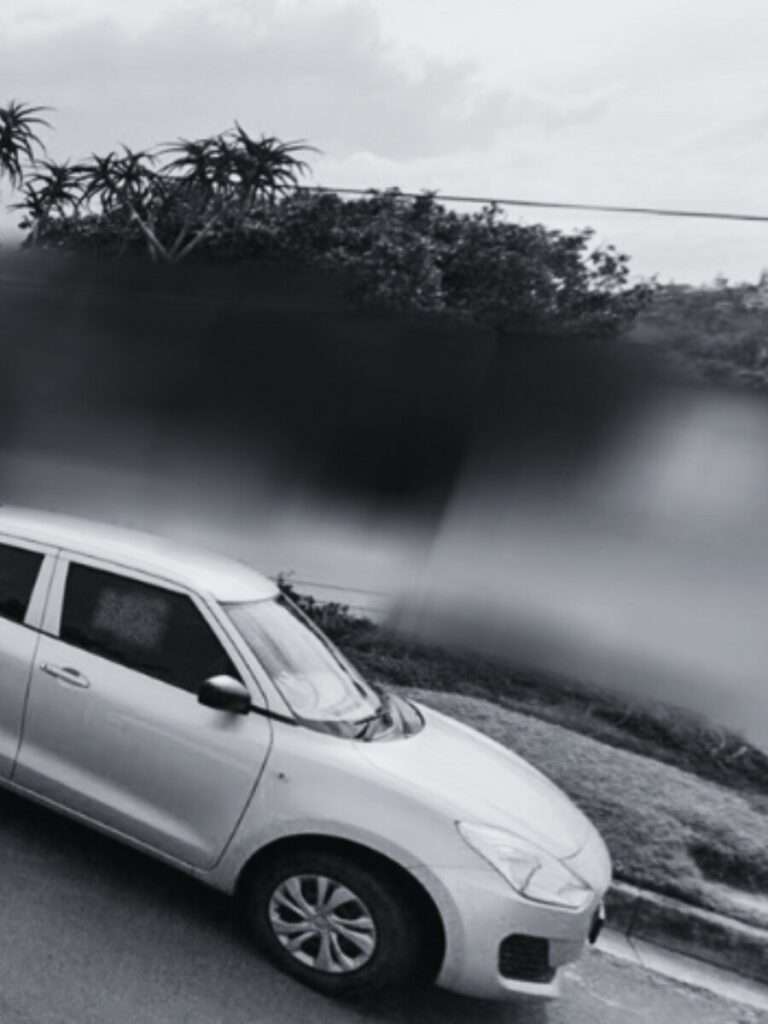
3. Prevent Unwanted Attention
Blurred images make it less likely that your home will attract unwanted attention, whether from curious individuals, property realtors and valuers, or any other people who might identify your house on Street View.
4. Protecting Children & Vulnerable Individuals
Blurring out your home can help protect the identity and safety of children or vulnerable individuals who might be photographed unintentionally by Street View cameras.
5. Peace of Mind
Ultimately, blurring out your home provides peace of mind, knowing that your property is not easily identifiable on a widely used platform like Google Street View.
Keep in mind that the effectiveness of blurring depends on the accuracy and coverage of the blurring technology, and there is always a chance that some details might still be visible. If you’re concerned about your privacy, you should also consider reviewing and adjusting the privacy settings for other online platforms and social media where your property might be visible.
6. Steps to Blur Property on Google Maps
Step 01
Go to maps.google.com
Enter your home address in the search bar at the top-right, hit return, then click the photo of your home that appears.
Step 02
Go to Street View of your Property.
Find Report a Problem at the bottom-right.
It’s quite small, but you can find it.
Step 03
Get the view just right of your Property.
Once you’re ready, select the main areas you’re requesting to blur.
- Faces
- Gates & Access Points
- Vehicle License Plates
- Home
- Aerial View of Home
They will need a bit of detail as to what precisely you want blurred out, in case the image is filled with several cars, people and other objects making it hard to define.
Step 04
Google does warn that once you blur something out on Street View, it’s permanently blurred. Be very specific.
Finally, enter your email.
Verify and click Submit.
One more smart step in securing your precious property.

Let’s
connect
& walk through your plans
Professional Land Surveyor
Neil Henderson
Pr.L ( SA – PLS0808 )
neil@landsurveyor.co.za
+27 (0) 83 252 0735
© Landsurveyor.co.za
Our Story | Services | FAQs | Contacts | Disclaimer | Blog |
Privacy Policy | LinkedIn |
Instagram | Facebook | Twitter (X) |
© 2024
Made with care by Makers – Yard
hello@makers-yard.com